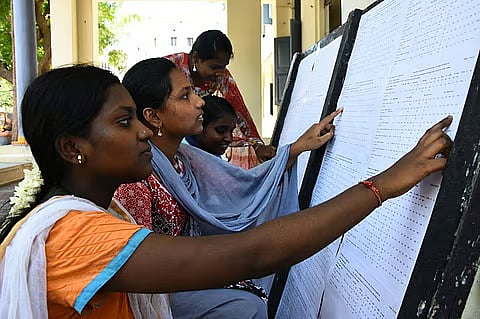
The Central Board of Secondary Education (CBSE) has declared the Class 12 board examination results 2026 today, May 13, 2026. Students were eagerly awaiting the release of their scorecards. DigiLocker is a key platform for accessing results quickly while avoiding heavy traffic on the official websites.
Steps to check CBSE Class 12 result on Digilocker
DigiLocker provides a permanent, verifiable digital copy of the mark sheet. Refer to the steps below once the result link goes live:
Step 1: Go to digilocker.gov.in
Step 2: Log in using existing credentials or register with your mobile number
Step 3: Click on the “Education” or “Results” tab, then choose CBSE
Step 4: provide your Roll Number, School Number, and Admit Card ID
Step 5: View and access your digital Class 12 marksheet
Students without APAAR-linked accounts can also register using their school code, roll number, and 6-digit access code.
How to activate DigiLocker account?
Students who don't have a DigiLocker account can do so by visiting the website, clicking on ‘Get Started’, providing the Access Code provided by their school, and verifying their phone number through OTP.

