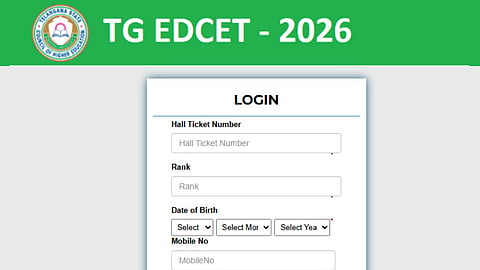


The TG EDCET Web Options 2026 link was activated today, August 7. Candidates who are eligible as per the 'verified list of eligible candidates' can exercise their college preferences. The last date to fill the web options is August 10, but preference editing is allowed only on August 11.
Here are the five important suggestions that the candidates can make a note of while filling the web options -
It is important to check the list of colleges. Click on the name of the university available on the official website under the 'College List' section
After checking the college list, prepare a list of colleges in preferential order on a white paper. Finalise the choices after thoroughly checking the college location, seats available, fee details and other details
Now you can click on the direct web options link available on the website or provided here. Enter the hall ticket number, rank, date of birth and mobile number details to log in
The web options interface will open on the screen. Select the name of the university and the list of colleges will be displayed. Click on the '+' icon to add the college and provide a priority number for the same
After entering the choices, click the Save and Lock button. You can lock the choices on August 11 as well, in case you wish to edit the options
Once the choices are filled and locked, there will be no option to edit. However, the choices can be unlocked for a single day, i.e., August 11.
TGCHE will prepare the first phase seat allotment result and release the same on August 16. The candidates will have to complete the reporting process by August 20. The second phase counselling dates are yet to be finalised.
